
Manual PIREP
What Is a Manual PIREP?
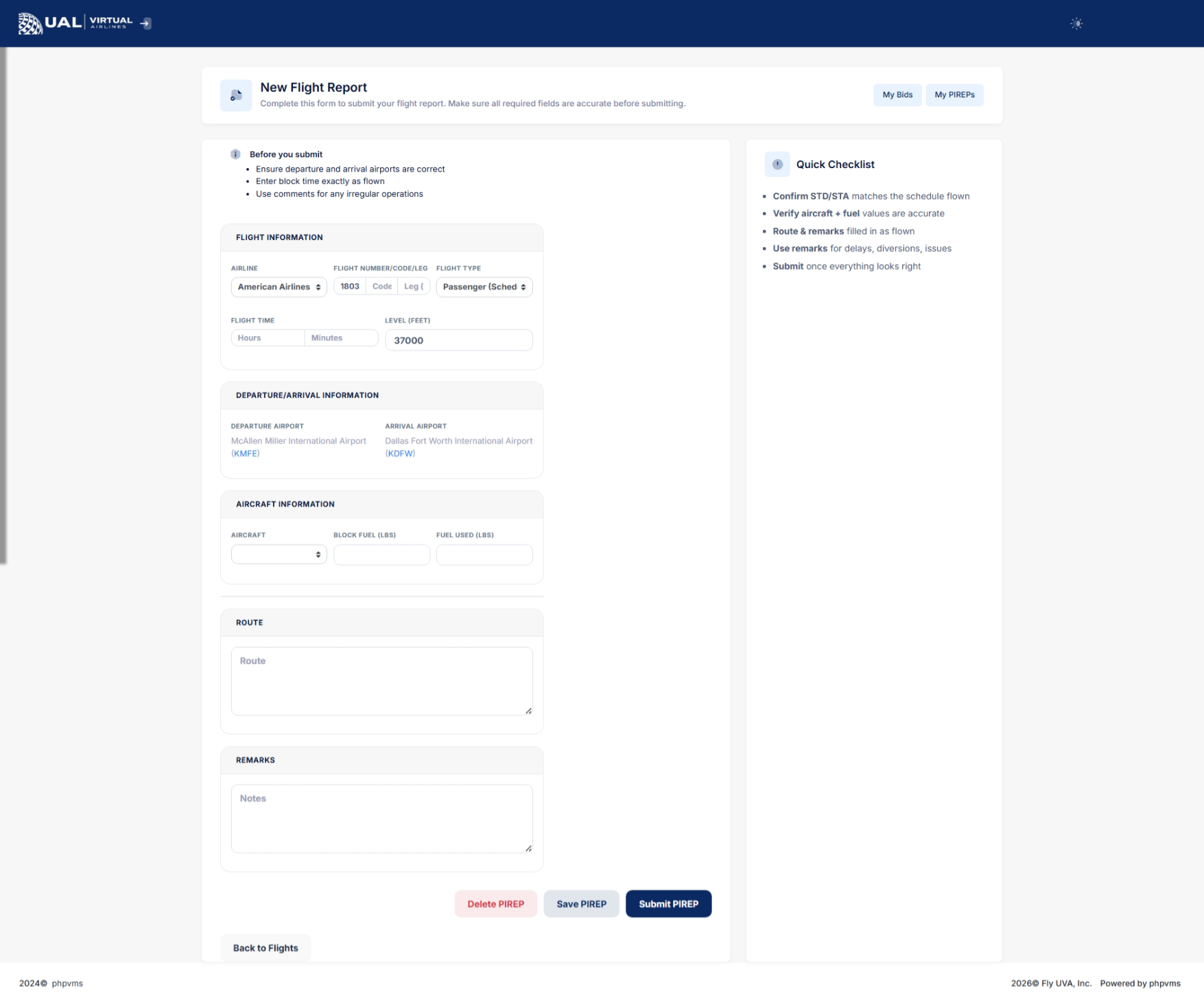
A Manual PIREP is a flight report submitted without using smartCARS.
At UVA, manual PIREPs are not the standard method of tracking flights. They exist strictly as a backup option when technical issues prevent smartCARS from functioning properly.
When Manual PIREPs Are Allowed
Manual PIREPs may only be submitted when:
-
smartCARS fails to connect
-
smartCARS crashes during the flight
-
A technical issue prevents ACARS tracking
-
A system outage occurs
Manual PIREPs are utilizednot whento SmartCARSbe used for convenience or preference.
If smartCARS is unablefunctioning toproperly, automaticallyit must be used for all flight tracking.
Required Proof of Flight
If you submit a PIREPManual PIREP, you must provide verifiable proof of the flight.
Accepted proof includes:
-
A direct link to your flight on
yourVATSIMbehalf. -
optionA
allows pilotslink tomanuallyanotherprovide the necessaryrecognized flightinformationtrackingandnetworkdetails -
ensureValid
thatACARSthelog evidence -
Screenshot evidence showing full flight
iscompletionappropriatelydatarecorded,
If situations where automatic submissionproof is not feasible. Manual PIREPs serve as a convenient and effective solution for reporting flights when the standard automated process encounters challenges.
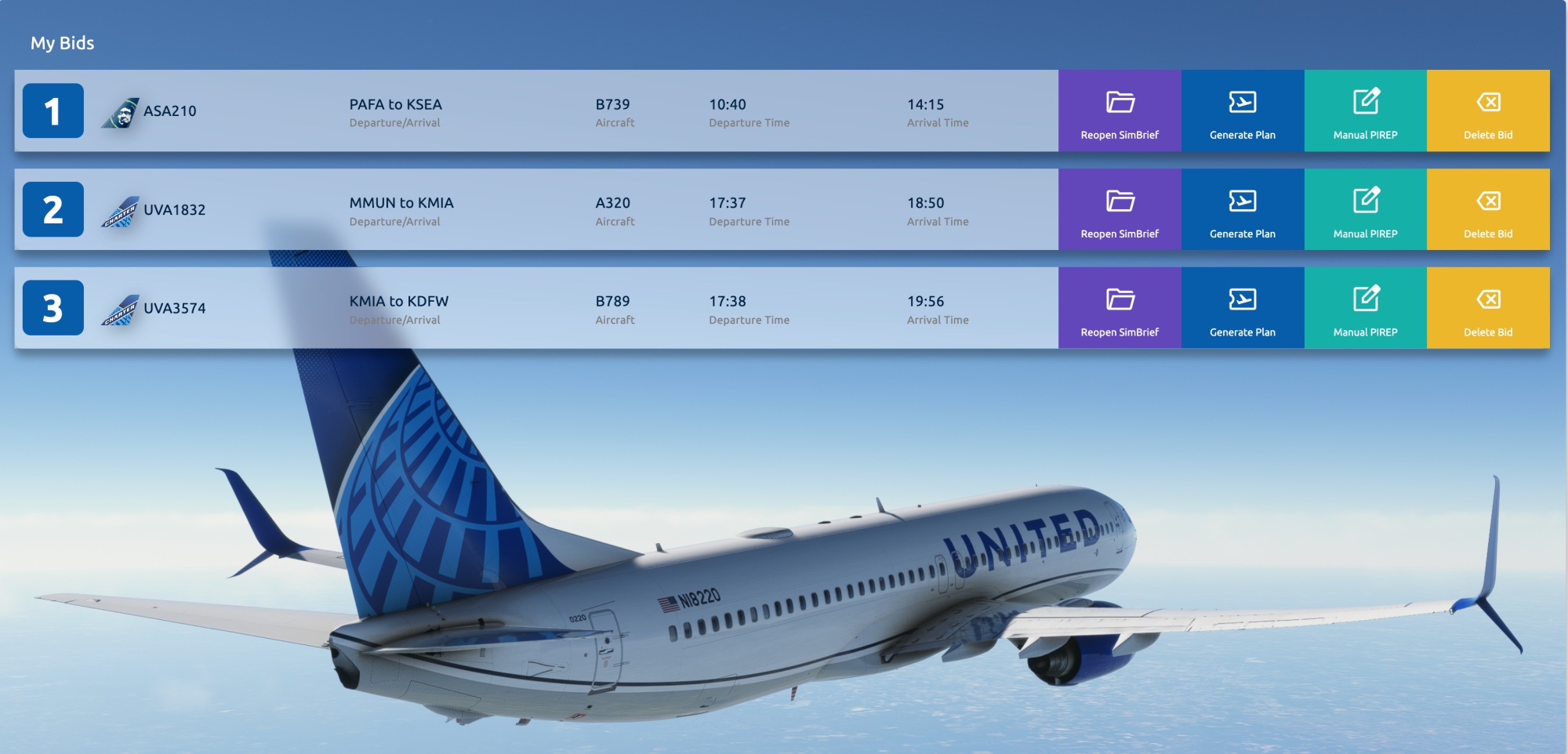
Accessing Manual PIREP Page
To accessprovided, the Manual PIREP page,will followbe these steps:rejected.
Why Proof Is Required
Manual
submissions do not
Manual
This straightforward procedure ensures easy access to the
Manual PIREP page,Review allowingProcess
All Manual PIREPs are:
-
Reviewed by staff
-
Verified against provided proof
-
Subject to
promptlyacceptanceandorefficiently provide the required flight details.rejection
Manual PIREP Guidelines
Please adhere to the following guidelines when using the Manual PIREP system:
- Manual PIREPs are
onlyneverintendedautomaticallyforaccepted.use
inImportant Policy Reminder
smartCARS is the
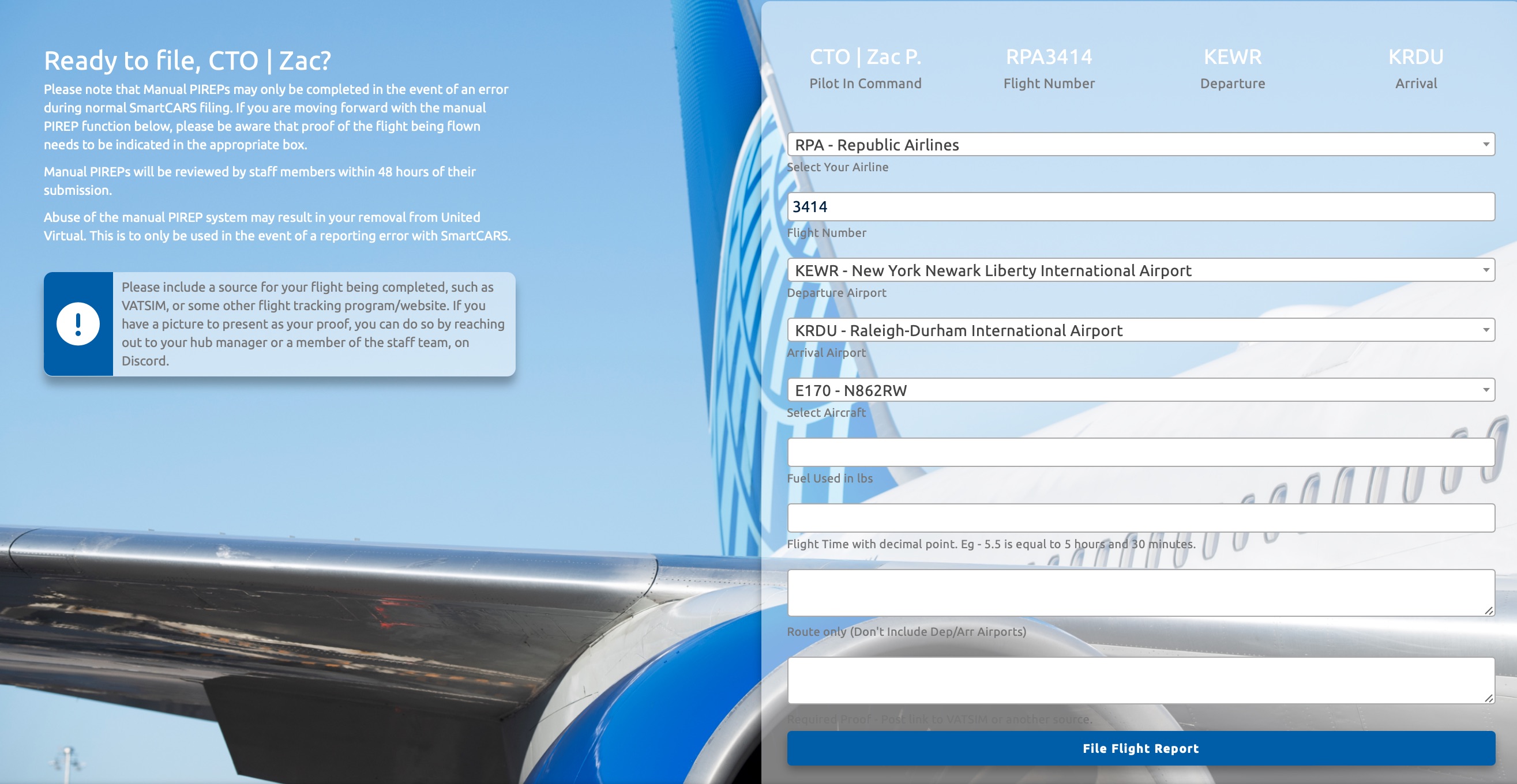
eventofficialofandan error during normal SmartCARS filing. Proof of therequired flightbeing flown must be indicated in the appropriate box.Abuse of the manual PIREPtracking systemmayatlead to removal from United Virtual. It should only be used for reporting errors with SmartCARS.Complete all required fields on the form before submission.
Form Field Instructions:
Flight Time:Enter in a decimal point format (e.g., 5.5).Route:Include only the route without departure and arrival airports.
Submission Process:
- Manual PIREPs
willaredisplayaascontingency'Pending'option — not a primary method of logging flights.Repeated misuse of Manual PIREPs may result in
your flight log until reviewed by a staff member. Allow up to 48 hours after submission to receive an 'Accepted'rejection or'Rejected'furtherstatus.Once all fields are filled out, click on the 'File Flight Report' button to complete the submission.
These guidelines ensure that the Manual PIREP system is used appropriately and efficiently for accurate flight reporting.review.